
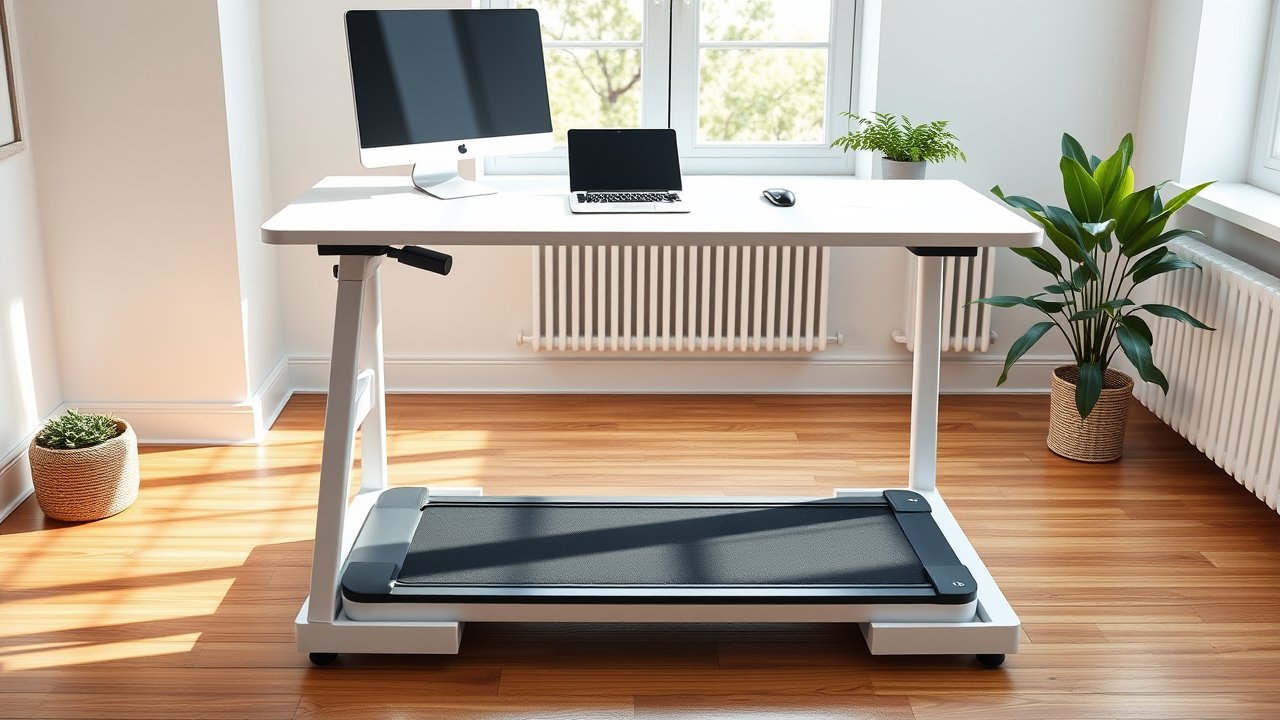
Sitting all day is hard on your body, but standing still at a desk for hours isn’t much better. That’s why walking pads have exploded in popularity among remote workers. If you’re shopping for the best under desk treadmill, you want something quiet enough for Zoom calls, slim enough to slide under a couch, and sturdy enough to handle daily use. In this guide, we break down six walking pads that fit real home offices, from budget picks under $250 to premium models with incline and long warranties. You’ll also learn what speed you can realistically type at, how much noise to expect, and which mistakes to avoid before you buy.
As an Amazon Associate, I earn from qualifying purchases. This article contains affiliate links at no extra cost to you.
Quick Comparison Table
| Product | Price | Best For | Rating |
|---|---|---|---|
| WalkingPad C2 | ~$400 | Best overall (foldable) | ⭐⭐⭐⭐⭐ |
| UREVO Walking Pad | ~$200 | Best budget | ⭐⭐⭐⭐ |
| Sperax Walking Pad | ~$230 | Best for beginners | ⭐⭐⭐⭐ |
| DeerRun Q1 Mini | ~$180 | Best for small spaces | ⭐⭐⭐⭐ |
| MERACH Incline Walking Pad | ~$300 | Best with incline | ⭐⭐⭐⭐ |
| Heavy-Duty Walking Pad (350+ lb) | ~$350 | Best for heavier users | ⭐⭐⭐⭐ |
Prices are approximate at the time of writing and may vary. Check Amazon for the current price.
Our Top Picks at a Glance
The WalkingPad C2 is our top pick because it folds in half, runs quietly, and has years of positive owner feedback behind it. On a tight budget, the UREVO Walking Pad gives you the core experience for around $200. If you want to burn more calories without walking faster, the MERACH Incline Walking Pad adds a gentle slope that makes a real difference over an eight-hour day.
Reviews – The Best Under Desk Treadmill Picks for 2026
1. WalkingPad C2 – Best Overall
The WalkingPad C2 is one of the walking pads that started the whole trend, and it still holds up. Its biggest selling point is the fold-in-half design: when you’re done working, the deck folds to roughly half its length and stands upright or slides under a bed. For apartments where every square foot counts, that matters more than any spec on paper.
Speed tops out around 3.7 mph, which is plenty for desk walking. Most people type comfortably between 1.0 and 2.0 mph, so you’ll rarely use the upper range while working. Owners consistently describe the motor as quiet enough for calls, especially when paired with a rubber mat underneath. The app and remote are basic but work, and the “foot sensing” mode that speeds up as you move forward is fun – though you’ll want manual mode at a desk.
The main trade-off is the narrower belt compared to a full treadmill. If you tend to drift side to side when you’re focused, give yourself a week to get used to it.
Pros:
– Folds in half for easy storage
– Quiet motor, good for calls
– Long track record and strong owner reviews
– Remote and app control
Cons:
– Narrower belt than some competitors
– Pricier than no-name walking pads
– No incline
2. UREVO Walking Pad – Best Budget Option
UREVO has become one of the most popular budget walking pad brands on Amazon, and it’s easy to see why. For around $200, you get a slim deck, a remote, an LED display, and a top speed of about 3.8 mph. It doesn’t fold, but at under five inches tall, it slides under most sofas and beds.
Based on thousands of user reviews, the UREVO handles daily desk walking well as long as you stay within the weight limit and keep the belt lubricated. The display shows speed, time, distance, and steps, which is all most people need. Noise is acceptable at low speeds, but it gets noticeably louder above 3 mph – fine for focused work, not ideal if you walk during meetings.
Pros:
– Excellent value for the price
– Very slim profile for storage
– Simple remote control
– Easy setup – mostly ready out of the box
Cons:
– Louder at higher speeds
– Basic display
– Shorter warranty than premium brands
3. Sperax Walking Pad – Best for Beginners
The Sperax walking pad is a go-to choice for people who have never used a treadmill at a desk before. It’s lightweight, has a straightforward remote, and comes in a few colors that blend into a home office better than the usual black slab. The top speed of around 3.8 mph covers both desk walking and a quick brisk walk after work.
What makes it beginner-friendly is how simple it is. There’s no complicated app pairing, no confusing modes – plug it in, step on, and press start. Reviewers often mention that it starts slowly and ramps up gradually, which helps you find a comfortable typing pace without stumbling.
Pros:
– Very easy to use
– Lightweight and easy to move
– Color options for a nicer look
– Smooth start and stop
Cons:
– Not built for heavy daily running
– Belt can drift and needs occasional adjustment
– No incline
4. DeerRun Q1 Mini – Best for Small Spaces
If your home office is a corner of the bedroom, the DeerRun Q1 Mini deserves a look. It’s among the most compact walking pads you can buy, with a shorter deck that fits under small desks and slides into tight storage spots. Despite its size, it runs smoothly and quietly enough for daily desk use.
The shorter deck is both the strength and the weakness. It’s perfect for slow walking at a desk, where your stride is naturally short. But taller users or anyone who wants to walk briskly after work may find it cramped. If you’re over six feet tall, look at the WalkingPad C2 or a longer deck instead.
Pros:
– Very compact footprint
– Quiet at desk-walking speeds
– Affordable price
– Light enough to move daily
Cons:
– Short deck limits stride length
– Not ideal for tall users
– Lower top speed than larger models
5. MERACH Incline Walking Pad – Best With Incline
Walking at 1.5 mph burns more calories than sitting, but adding even a small incline increases the effort without forcing you to walk faster. That’s the idea behind incline walking pads like MERACH’s. A gentle slope – typically a few percent – makes slow desk walking feel more like a real workout while keeping your upper body steady enough to type.
MERACH models usually include app connectivity, a remote, and a sturdier frame than ultra-budget pads. They’re a bit heavier and taller, so check that your standing desk goes high enough to account for the extra deck height. You’ll want your elbows at about 90 degrees while walking, which means raising the desk a few inches higher than your normal standing height.
Pros:
– Incline adds intensity without extra speed
– Sturdier build than budget pads
– App and remote control
– Good for weight-loss goals
Cons:
– Heavier and harder to store
– Taller deck needs a higher desk setting
– Costs more than flat models
6. Heavy-Duty Walking Pad (350+ lb Capacity) – Best for Heavier Users
Many budget walking pads are rated for 220 to 265 pounds. If you’re above that, or simply want a pad that won’t strain under daily use, look for a heavy-duty model rated for 350 pounds or more. Several brands now offer reinforced decks, wider belts, and stronger motors designed for bigger users.
These models are typically heavier and a little louder, but the extra durability is worth it. Using a walking pad above its weight rating is the fastest way to burn out the motor and void the warranty. Always check the continuous horsepower rating (not just peak), the belt width, and the warranty before buying.
Pros:
– Higher weight capacity
– Wider, more stable belt
– More durable motor for daily use
Cons:
– Heavier and bulkier
– Higher price
– Fewer compact or folding options
How We Researched & Selected These Products
We didn’t personally test every walking pad on this list. Instead, our picks are based on research and user reviews: we analyzed thousands of verified Amazon reviews, manufacturer specifications, warranty terms, and long-term owner reports from communities like r/WorkFromHome and r/StandingDesk. We focused on the things that matter for desk use specifically – noise at low speeds, deck height, belt width, motor reliability, and how easy each model is to store. Models with frequent reports of early motor failure or poor customer support were excluded. We also cross-checked our picks against independent reviews from fitness publications to make sure our recommendations hold up over time, not just in the first week.
Buyer’s Guide – How to Choose the Best Under Desk Treadmill
Speed Range and Typing Comfort
You’ll walk much slower at a desk than you think. Most people can type and use a mouse accurately between 1.0 and 2.0 mph. Above 2.5 mph, your upper body starts bouncing and precision drops. That means a high top speed isn’t important for desk use – focus on smooth low-speed control instead. A pad that starts at 0.5 mph and increases in 0.1 mph steps is ideal.
Noise Level
If you take calls while walking, noise matters. Brushless motors and thicker decks tend to be quieter. Place a rubber treadmill mat underneath to reduce vibration that travels through floors – this is especially important in apartments. Most walking pads are quiet enough for focused work, but very cheap models can whine at higher speeds.
Deck Size and Your Height
Belt length and width affect comfort. For slow walking, a 16-inch-wide belt is a comfortable minimum. Taller users (6’+) should look for a longer deck so they don’t feel like they’re about to step off the front. Compact models save space, but they’re a compromise for tall people.
Desk Height Compatibility
Your walking pad raises you by 4 to 6 inches. That means your standing desk needs to go higher than your normal standing height. Check the maximum height of your desk before buying. If you’re tall and using an incline pad, you may need a desk that reaches 48 inches or more. Our guide to the best standing desks for tall people lists models with extra-high ranges.
Weight Capacity and Motor
Stay comfortably below the maximum user weight – ideally 30 to 50 pounds under it. Look for the continuous horsepower rating rather than peak horsepower, since continuous power is what the motor sustains during long sessions.
Price vs. Quality – What to Expect at Each Budget
- Under $200: Basic flat walking pads. Fine for occasional use, but expect louder motors and shorter warranties.
- $200–$350: The sweet spot. Better motors, quieter operation, remotes and apps, and sometimes incline.
- $350+: Folding designs, heavy-duty frames, wider belts, and longer warranties. Worth it if you plan to walk several hours per day.
How to Use a Walking Pad at Your Desk
Start slow. Walk 20 to 30 minutes at a time for the first week, then build up. Many people find that two to three hours of walking spread across a workday is the sweet spot – more than that can lead to sore feet. Wear supportive shoes rather than walking barefoot or in socks.
Do focused writing or analytical work while standing or sitting, and save email, reading, and calls for walking. It’s also smart to pair your pad with a good standing desk mat for the times you’re standing still, and to set up proper cable management so cords don’t run across the walking area.
The research on light activity during the workday is encouraging. According to the Centers for Disease Control and Prevention, adults should aim for at least 150 minutes of moderate activity per week – and a few hours of desk walking can cover a big chunk of that.
Frequently Asked Questions
Can you really work while walking on a treadmill?
Yes, for most tasks. Emails, reading, video calls, and light admin work are easy at 1–2 mph. Tasks that need precise mouse control, like detailed design work, are harder. Most people alternate between walking, standing, and sitting throughout the day rather than walking nonstop.
How fast should I walk at a standing desk?
Start at 1.0 mph and increase slowly. Most users settle between 1.2 and 2.0 mph. If you notice more typos or can’t keep the mouse steady, slow down. Speed matters less than consistency – a few hours at a slow pace beats 20 minutes of brisk walking.
Are walking pads loud?
Most are quiet at desk-walking speeds, roughly comparable to a fan. They get louder at higher speeds. A rubber mat underneath helps a lot, especially on hardwood floors or in upstairs apartments.
Do I need a standing desk for a walking pad?
Practically, yes. A regular desk is too low to walk at. If you don’t have a standing desk yet, check our list of the best standing desks under $300 – almost all of them reach a good walking height for average-height users.
How long do walking pads last?
With proper care – regular belt lubrication, staying under the weight limit, and keeping the deck clean – a quality walking pad typically lasts several years of daily use. Budget models may wear out faster if used for many hours per day.
Final Verdict
For most remote workers, the WalkingPad C2 is the best under desk treadmill thanks to its folding design, quiet motor, and proven reliability. If you’re on a budget, the UREVO Walking Pad delivers the essentials for around $200. Want a harder workout without speeding up? The MERACH Incline Walking Pad is the smart upgrade, and heavier users should go straight for a heavy-duty model with a 350-pound rating. Whatever you choose, start slow, wear good shoes, and raise your desk a few inches higher than usual. A walking pad is one of the easiest ways to add thousands of steps to your day without leaving your home office.