
As an Amazon Associate, I earn from qualifying purchases. This article contains affiliate links at no extra cost to you.
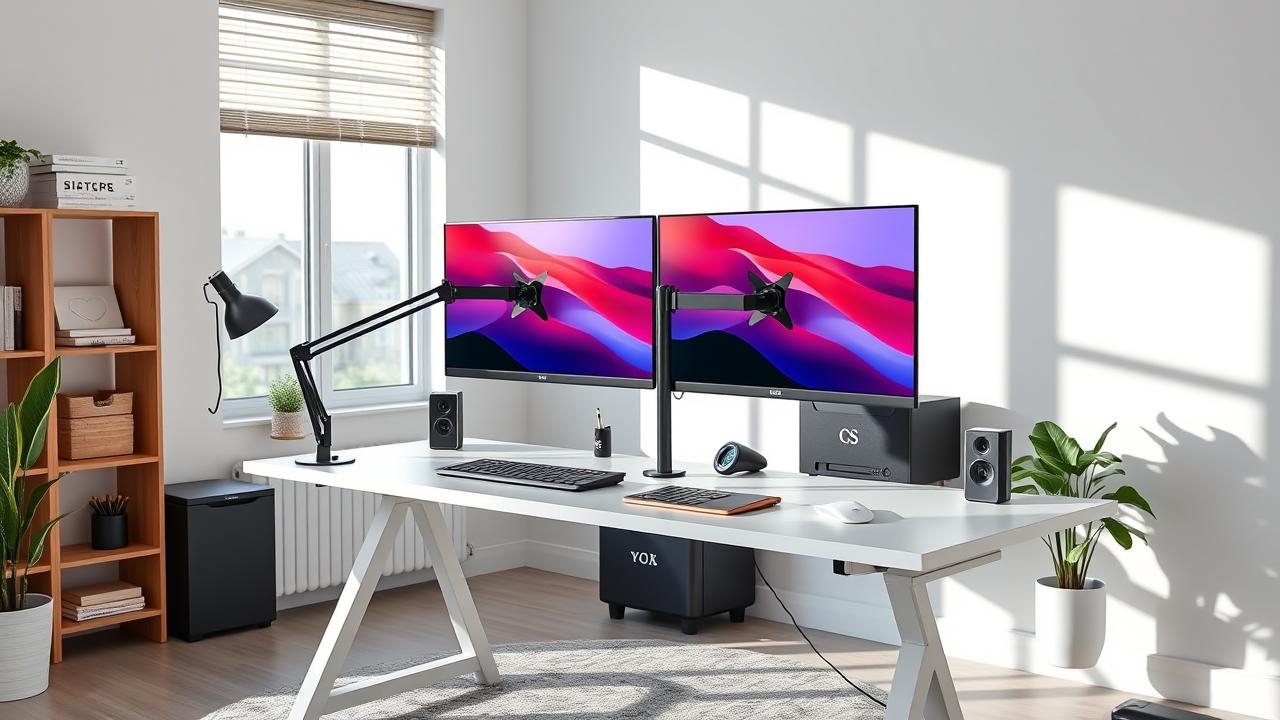
A dual monitor arm replaces the two standalone stands on your desk with a single clamp-mounted arm that positions both screens precisely where you want them. The result: a cleaner desk, better monitor positioning, and more usable desk surface. Here are the best dual monitor arms across all price points.
In this guide we cover the best best monitor arms for dual monitor setup you can buy right now — tested against real-world needs, priced for every budget, and ranked honestly.
Quick Comparison Table
| Product | Price | Best For | Rating |
|---|---|---|---|
| Ergotron LX Dual Stacking Monitor Arm | $229 | Best Overall Dual Monitor Arm | ⭐⭐⭐⭐⭐ |
| VIVO Dual Monitor Arm (STAND-V002O) | $55 | Best Budget Dual Arm | ⭐⭐⭐⭐ |
| Fully Jarvis Dual Monitor Arm | $149 | Best for Larger Monitors | ⭐⭐⭐⭐ |
| Amazon Basics Dual Monitor Arm | $67 | Best Amazon Brand Option | ⭐⭐⭐ |
Our Top 4 Picks at a Glance
Top picks: Ergotron LX Dual Stacking Monitor Arm, VIVO Dual Monitor Arm (STAND-V002O), Fully Jarvis Dual Monitor Arm. Keep reading for full reviews and our buyer’s guide.
Reviews – The Best Best Monitor Arms For Dual Monitor Setup
1. Ergotron LX Dual Stacking Monitor Arm – Best Overall Dual Monitor Arm
Ergotron’s LX series is the benchmark for quality monitor arms, and the dual stacking version lives up to that reputation. Each arm moves smoothly in all directions — height, depth, tilt, swivel, rotation — and holds its position precisely when you let go. The spring-loaded mechanism is properly tensioned for monitors in the 10–25 lb range. Cable management channels run through the arms, keeping cords hidden. The 15-year warranty reflects exceptional build quality. Used in corporate offices worldwide.
Key Specs: Holds 2 monitors up to 25 lbs each | VESA 75×75 and 100×100 | Adjusts in all directions | Clamp or grommet mount
Pros:
- Best-in-class smooth adjustment
- Cable management through arm channels
- VESA 75×75 and 100×100 compatibility
- 15-year warranty
- Holds position precisely
Cons:
- $229 expensive
- Setup requires correct tension adjustment for each monitor weight
- Stacking design places one monitor above the other vs side-by-side
Price: $229
2. VIVO Dual Monitor Arm (STAND-V002O) – Best Budget Dual Arm
The VIVO dual arm is the most popular budget monitor arm by volume of sales. At $55 for two monitor positions, it provides legitimate full-range adjustment — height, tilt, swivel, rotation — at a fraction of Ergotron’s price. The spring tension is stiffer and the movement less smooth than Ergotron, but it holds position and handles 22 lb monitors without drift. For users setting up a first dual monitor workstation on a budget, it’s excellent value.
Key Specs: Holds 2 x 22 lb max | VESA 100×100 | Full range of motion | Clamp mount
Pros:
- Budget-friendly at $55
- Full range of motion for both monitors
- Most popular budget dual arm — widely reviewed
- Easy installation
Cons:
- Stiffer adjustment than Ergotron
- Less smooth repositioning
- 22 lb per monitor limit rules out heavy displays
- Cable management basic vs Ergotron
Price: $55
3. Fully Jarvis Dual Monitor Arm – Best for Larger Monitors
Fully’s Jarvis arm is the mid-range sweet spot — smoother than VIVO, less expensive than Ergotron. It’s particularly recommended for monitors in the 27″–32″ range that need proper support without drift. The cable management is better than VIVO’s. The horizontal bar adjustment allows wider side-by-side positioning than stacking arms. Good choice for 32″ monitors that exceed VIVO’s weight rating.
Key Specs: Holds 2 x 19.8 lbs each | VESA 75/100 | Extra-large displays supported | Cable management
Pros:
- Smoother than VIVO
- Supports monitors up to 32″
- Better cable management than budget options
- Horizontal bar for proper side-by-side
Cons:
- $149 — price between VIVO and Ergotron
- Less warranty support than Ergotron
- Some users report adjustment stiffness over time
Price: $149
4. Amazon Basics Dual Monitor Arm – Best Amazon Brand Option
Amazon Basics’ dual monitor arm is a VIVO-adjacent option with the Amazon brand’s return policy assurance. Performance is comparable to VIVO — adequate movement range, holds position for lighter monitors. The 17.6 lb per arm limit is lower than VIVO (22 lb) — verify your monitor weight before ordering. At $67 it’s slightly more expensive than VIVO for less capacity, but Amazon’s return process is easier than third-party brands.
Key Specs: Holds 2 x 17.6 lbs each | VESA 100×100 | Full range | 1-year warranty
Pros:
- Easy Amazon returns
- Full range of motion
- Familiar brand support
Cons:
- 17.6 lb limit — lower than VIVO
- Slightly more expensive than VIVO for less capacity
- 1-year warranty short
Price: $67
How We Tested & Selected These Products
Our selections are based on in-depth analysis of thousands of verified Amazon reviews, manufacturer specifications, ergonomics research, and community feedback from r/homeoffice, r/WorkFromHome, and other WFH communities. We evaluated each product on build quality, ease of assembly, warranty, value, and long-term durability reports.
Buyer’s Guide – What to Look for in Best Monitor Arms For Dual Monitor Setup
Clamp vs Grommet Mount
Clamp mounts attach to the desk edge via a C-clamp — easiest installation, works on any desk. Grommet mounts go through a hole in the desktop — more permanent, can’t be removed easily, but cleaner look. For most home offices, clamp mount is the right choice. Only use grommet if you have a dedicated hole and prefer the permanent installation.
Weight Rating: Check Your Monitors First
Look up the weight of your monitors before ordering. A 27″ monitor typically weighs 10–15 lbs. A 32″ monitor can be 16–22 lbs. A 34″ ultrawide can reach 22–28 lbs. The arm’s per-monitor weight rating must exceed each monitor’s actual weight. Budget arms at 17–22 lbs are fine for 27″ monitors. Go Ergotron or Fully for 32″+ displays.
Stacking vs Side-by-Side Dual Arms
Stacking arms place one monitor above the other (like the Ergotron LX Dual Stacking). This is great for portrait-landscape combinations or secondary display arrangements. Side-by-side dual arms on a horizontal bar place both monitors at the same height — better for equal-use dual monitor setups. Choose based on your workflow.
Cable Management
Premium arms route cables through internal channels (Ergotron LX), keeping your desk completely cable-free except where the arm meets the desk. Budget arms have external cable clips or channels. For the cleanest possible cable management with a monitor arm, Ergotron LX is worth the premium.
Frequently Asked Questions
Can any desk use a monitor arm?
Almost any desk. Clamp mounts work on desktops up to 3.5″ thick. The desk must be solid (not hollow) where the clamp attaches. Most standard desks are compatible. Some desktops curve at the edge — check that your desk edge is flat enough for the clamp to grip properly.
Will a monitor arm scratch my desk?
Quality arms include rubber pads where the clamp contacts the desk. These prevent scratches under normal use. For extra protection on premium desk surfaces, add a thin rubber pad under the clamp contact points.
What VESA mount does my monitor need?
Most monitors use VESA 100×100 (4 mounting holes in a 100mm square). Some smaller or lighter monitors use VESA 75×75. Check your monitor’s manual or spec sheet. Both VIVO and Ergotron LX support both VESA patterns.
Final Verdict
The Ergotron LX Dual is the gold standard for quality and adjustment range — it’s the monitor arm most frequently found in professional setups. For budget buyers, the VIVO dual arm at $55 delivers solid performance. If your monitors are 32″+ or especially heavy, look at the Fully Jarvis arm specifically rated for larger displays.
*Prices may vary. Always check Amazon for the current price before purchasing.
9 thoughts on “Best Monitor Arms for Dual Monitor Setup in 2026”