
As an Amazon Associate, I earn from qualifying purchases. This article contains affiliate links at no extra cost to you.
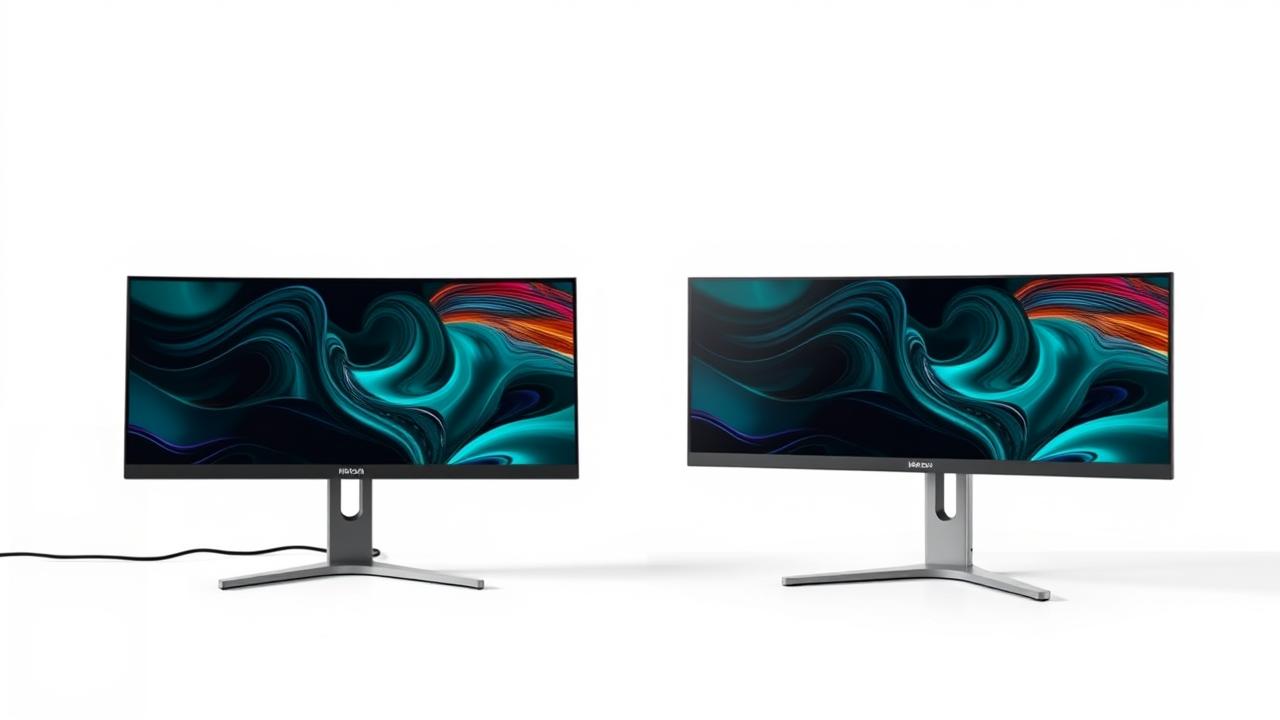
The monitor debate among remote workers has evolved in 2026: single 4K, dual 27″, or ultrawide 34″? Each has distinct productivity advantages for different workflows. Here’s the honest comparison to help you decide.
Quick Verdict
For most WFH workers: dual 27″ monitors win on flexibility and value. For multitaskers who hate bezels: ultrawide 34″ is cleaner. For minimalists or video call-focused work: single 4K 27″ is sufficient. Gaming+work hybrid: dual monitors give better gaming + work separation.
Side-by-Side Comparison
| Feature | Single 4K Monitor (27″) | Dual 27″ Monitors |
|---|---|---|
| Total Resolution | 3840×2160 | 7680×2160 (combined) |
| Desk Width Needed | 24″–27″ | 55″–60″ |
| Cost | $279–$549 | $558–$1,098 |
| Best For | Focused single-task work | Multitasking, reference work |
| Bezel Interruption | None | Yes (center bezel) |
| Gaming Suitability | Good | Primary only; second for chat |
Single 4K Monitor (27″) – In-Depth Review
A single high-quality 4K 27″ monitor is the most cost-effective starting point. It provides enough screen real estate for most productivity workflows with side-by-side windows, and the 4K resolution makes text pin-sharp. Cleanest desk setup. Best for workers with focused single-task workflows.
Design & Build Quality
Clean, minimal desk setup. One cable to manage. Best for small desks.
Performance & Stability
4K at 27″ provides the best pixel density. Works well for coding, writing, spreadsheets. Two windows side-by-side at 4K still gives each window more resolution than a 1080p full-screen.
Features & Value
Single display management, easiest setup, lowest cost.
Best for: Focused work, clean desk, video call-primary
Price: $279–$549
Pros:
- Simplest setup
- Best pixel density
- Lowest cost
- Cleanest desk
Cons:
- Less multitasking screen real estate than dual/ultrawide
- App switching more frequent
Dual 27″ Monitors – In-Depth Review
Dual monitors remain the most popular WFH setup for productivity workers who need to reference one application while working in another. Full-screen on each display means you can have a video call on one monitor while working on the other — impossible to replicate cleanly with a single display.
Design & Build Quality
Requires monitor arms or wide stands. Needs 55″+ desk width.
Performance & Stability
Most versatile layout for varied workloads. Full-screen reference + full-screen working simultaneously. Some bezel interruption between screens.
Features & Value
Two independent displays, full-screen on each, maximum flexibility.
Best for: Heavy multitaskers, reference-heavy work, flexible full-screen
Price: $558–$1,098 (two monitors)
Pros:
- Full-screen on each display
- Video call + work simultaneously
- Most flexible layout
- Add a second monitor to existing setup
Cons:
- Bezel between displays
- Requires wider desk
- More complex cable management
- Higher cost than single
Single 4K Monitor (27″) vs Dual 27″ Monitors: Key Differences
Ultrawide vs Dual: The Real Comparison
Ultrawide 34″ 3440×1440: no bezel, seamless dragging, single display. Dual 27″ 4K: more total pixels, full-screen per display, bezel in center. For design and video: ultrawide wins (seamless timeline). For reference work: dual wins (full reference + full working). For general productivity: ultrawide wins for clean experience, dual wins for maximum real estate.
Budget Impact
Single 4K: $299–$549. Dual setup: two monitors ($600–$1,100) plus monitor arms ($70–$230). Ultrawide: $449–$899. Dual has highest total cost. Ultrawide is a mid-range investment. Single is entry-level. Start single, upgrade when you feel the limitation.
Our Recommendation
For most WFH workers who don’t yet know their preference: start with a single quality 4K monitor. You’ll quickly know if you need more screen. For workers who know they multitask heavily across reference and working apps: dual monitors. For workers who prioritize seamless, clean workflow: ultrawide 34″.
*Prices may vary. Always check Amazon for the current price.
See Single 4K Monitor (27″) on Amazon →
See Dual 27″ Monitors on Amazon →
Frequently Asked Questions
Does dual monitor really increase productivity?
Research shows 20–50% productivity gains for tasks requiring reference between two apps (comparing documents, monitoring systems, coding with documentation). For single-task focused work, gains are minimal.
Is ultrawide better than dual 27″ monitors?
For seamless experience: ultrawide wins. For maximum screen real estate: dual 4K wins. For versatility and value: dual wins. Choose ultrawide if the bezel annoys you; choose dual if you want the highest total pixel count.