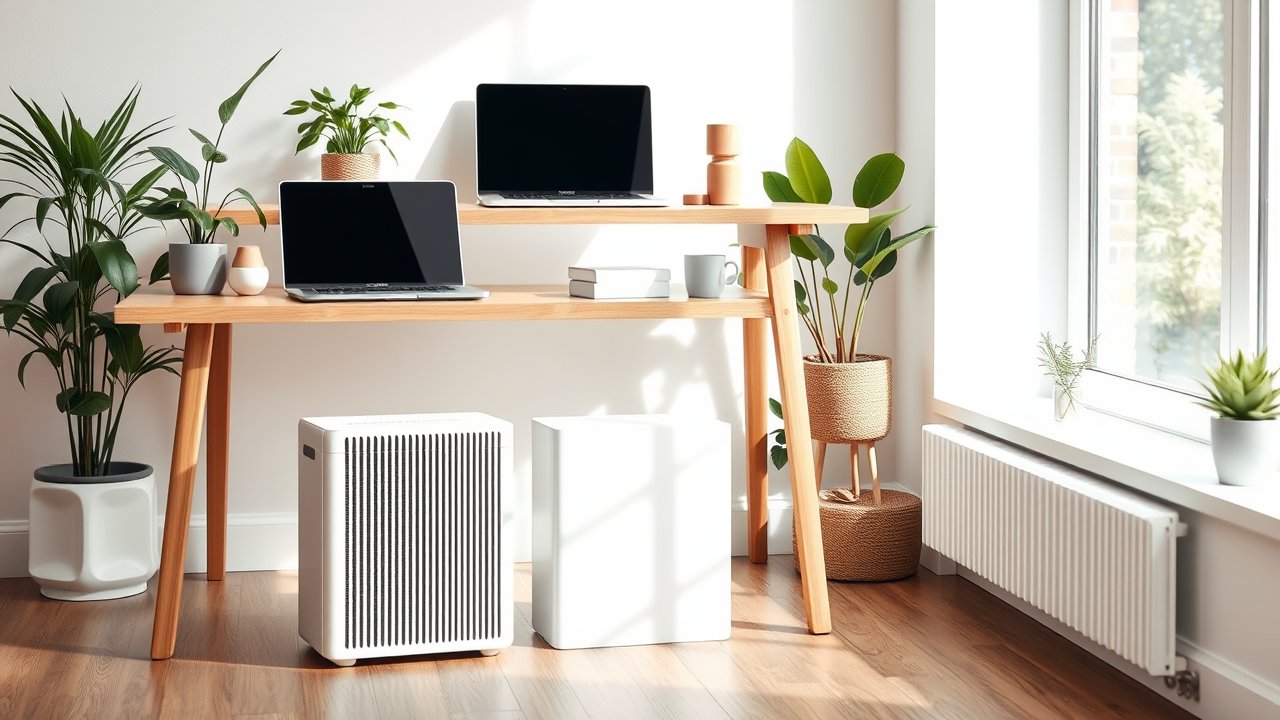
You spend eight or more hours a day in your home office, often with the door closed and windows shut – especially in fall and winter. That means dust, pet dander, pollen, and cooking odors can build up in the air you breathe all day. A good air purifier quietly removes those particles while you work, and many people notice fewer allergy symptoms and a fresher-feeling room within days. Choosing the best air purifier for home office use comes down to three things: the right capacity for your room size, a true HEPA filter, and a fan quiet enough that you forget it’s running during calls. In this guide, we compare six well-reviewed purifiers for small and medium offices, explain the specs that actually matter, and share tips to get the most out of your purchase.
As an Amazon Associate, I earn from qualifying purchases. This article contains affiliate links at no extra cost to you.
Quick Comparison Table
| Product | Price | Best For | Rating |
|---|---|---|---|
| Coway Airmega AP-1512HH (Mighty) | ~$150–$230 | Best overall | ⭐⭐⭐⭐⭐ |
| Levoit Core 300 | ~$100 | Best budget | ⭐⭐⭐⭐⭐ |
| Winix 5500-2 | ~$160 | Best for odors | ⭐⭐⭐⭐ |
| Blueair Blue Pure 411 Auto | ~$120 | Best for small offices | ⭐⭐⭐⭐ |
| Levoit Core 400S | ~$200 | Best smart purifier | ⭐⭐⭐⭐ |
| Coway Airmega 250 | ~$250+ | Best for larger rooms | ⭐⭐⭐⭐ |
Prices are approximate at the time of writing and may vary. Check Amazon for the current price.
Our Top Picks at a Glance
The Coway Airmega AP-1512HH (Mighty) is the best air purifier for home office use for most people: it’s compact, quiet on low, and has years of strong performance data behind it. The Levoit Core 300 is the best budget pick for small offices. If odors from cooking or pets are your main problem, the Winix 5500-2 adds a thicker activated carbon filter.
Reviews – The Best Air Purifier for Home Office Use
1. Coway Airmega AP-1512HH (Mighty) – Best Overall
The Coway Mighty has been one of the most recommended air purifiers for years, and it still holds up. It uses a true HEPA filter plus a carbon pre-filter, and its clean air delivery rate (CADR) is high for its compact size, making it suitable for rooms up to around 300 to 360 square feet.
For a home office, the key strength is noise: on its lowest setting, it’s quiet enough for calls and recording, and on auto mode, it ramps up only when the air quality sensor detects particles. The air quality indicator light gives you instant feedback, and the eco mode turns the fan off when the air is clean. Replacement filters are widely available and reasonably priced.
Pros:
– Excellent performance for its size
– Quiet on low and auto modes
– Air quality sensor and indicator light
– Affordable replacement filters
Cons:
– Indicator light can be bright (it can be turned off)
– Not the most modern design
– Carbon layer is thin for heavy odors
2. Levoit Core 300 – Best Budget Option
The Levoit Core 300 is one of the best-selling air purifiers in the US because it delivers solid performance at a low price. It uses a three-stage filter (pre-filter, HEPA-type filter, and activated carbon) and is designed for small rooms – perfect for most home offices.
It’s compact, quiet on its lowest setting, and simple to use, with a sleep mode that turns off the display lights. Levoit offers specialty filters for pets, toxins, or smoke. It doesn’t have an air quality sensor, so you’ll set the fan speed manually.
Pros:
– Very affordable
– Compact and quiet
– Specialty filter options
– Simple controls
Cons:
– No air quality sensor
– Best for small rooms only
– Filters need replacing every 6–8 months
3. Winix 5500-2 – Best for Odors
If your office shares space with a kitchen, pets, or a litter box, the Winix 5500-2 is a strong choice. It uses a true HEPA filter and a washable AOC carbon filter made from activated carbon granules, which absorbs odors better than thin carbon-coated pre-filters.
It also has an air quality sensor, auto mode, and sleep mode. Winix’s PlasmaWave feature can be turned off if you prefer. It’s larger than the Coway but covers medium-sized rooms well.
Pros:
– Strong odor removal
– Washable carbon filter
– Auto mode with sensor
– Covers medium rooms
Cons:
– Larger footprint
– PlasmaWave feature isn’t for everyone (can be disabled)
– Slightly louder on high
4. Blueair Blue Pure 411 Auto – Best for Small Offices
The Blue Pure 411 is a compact, attractive purifier designed for small rooms. Its fabric pre-filter wraps around the unit and comes in several colors, making it one of the better-looking options for a visible home office. The Auto version adjusts fan speed based on air quality.
It’s quiet, energy-efficient, and easy to maintain. The pre-filter can be washed to remove dust and pet hair.
Pros:
– Compact and stylish
– Washable colored pre-filter
– Quiet and energy efficient
– Auto mode
Cons:
– Small rooms only
– Limited odor filtration
– Fewer controls
5. Levoit Core 400S – Best Smart Purifier
The Core 400S adds Wi-Fi and app control to Levoit’s popular design. You can schedule the purifier to run before you start work, monitor air quality in the app, and control it with voice assistants. It covers larger rooms than the Core 300 and includes an air quality sensor.
It’s a great choice if you like automating your home office or want to check air quality at a glance.
Pros:
– App and voice control
– Air quality sensor and auto mode
– Covers medium-to-large rooms
– Scheduling
Cons:
– More expensive than the Core 300
– App features require Wi-Fi setup
– Larger size
6. Coway Airmega 250 – Best for Larger Rooms
If your office is large or part of an open-plan living area, the Airmega 250 offers more capacity than the Mighty. It has a modern design, air quality sensor, and smart mode, and it’s designed for rooms of several hundred square feet.
It’s more expensive, but it handles bigger spaces efficiently without running on high.
Pros:
– Covers larger rooms
– Modern design
– Smart auto mode
– Quiet operation for its size
Cons:
– More expensive
– Larger footprint
– Filters cost more
How We Researched & Selected These Products
These picks are based on research and user reviews rather than our own lab testing. We compared manufacturer specs for CADR, recommended room size, filter type, noise levels, and energy use, and looked at independent test data from consumer and tech publications. We then analyzed thousands of verified owner reviews for noise complaints, sensor accuracy, filter costs, and long-term reliability. We favored purifiers with true HEPA filtration, reasonable filter replacement costs, and quiet low settings suitable for calls.
Buyer’s Guide – How to Choose the Best Air Purifier for Home Office Use
Room Size and CADR
CADR (clean air delivery rate) measures how much filtered air a purifier delivers. A common rule of thumb is to choose a CADR of at least two-thirds of your room’s square footage. For a 150-square-foot office, look for a CADR of 100 or more. Choosing a slightly larger purifier lets you run it on a quieter setting.
HEPA Filtration
True HEPA filters capture at least 99.97% of particles at 0.3 microns, according to the standard definition. Be cautious with vague terms like “HEPA-type” without supporting data. The EPA’s guide to air cleaners explains filter types and CADR in detail.
Noise Level
For calls and focus work, look for a purifier that’s quiet on low (around 25 to 35 dB). Auto modes help by only ramping up when needed.
Carbon Filters for Odors
HEPA filters don’t remove odors or gases. For cooking smells, pets, or smoke, choose a purifier with a substantial activated carbon filter.
Filter Replacement Cost
Filters typically need replacement every 6 to 12 months. Check the price and availability before buying – the cost of filters over several years can exceed the purifier itself.
Ozone-Free
Avoid ozone generators. Ozone can irritate the lungs. Choose purifiers that are certified ozone-safe.
Price vs. Quality – What to Expect at Each Budget
- Under $120: Good for small offices; fewer features.
- $120–$220: Air quality sensors, auto modes, better build.
- $220+: Larger coverage, smart features, premium design.
Where to Place an Air Purifier in Your Office
Place the purifier where air can flow freely – at least a foot from walls and furniture. Positioning it within a few feet of your desk means you breathe filtered air sooner. Avoid putting it directly behind your monitor or under the desk, where airflow is blocked. Keep the door closed while it runs for the best results in your office.
Other Ways to Improve Home Office Air Quality
An air purifier works best alongside a few simple habits. Open windows when outdoor air quality is good, vacuum regularly with a HEPA vacuum, and keep humidity between about 30 and 50 percent. A few houseplants make the space more pleasant, though they don’t meaningfully purify the air on their own. If you run a space heater in winter, keep the room ventilated – our guide to the best space heaters for home office covers safe options. And for overall comfort, our home office lighting setup guide helps make your space feel fresh and energizing.
Air Purifier vs. Humidifier vs. Dehumidifier
These devices are often confused. An air purifier removes particles like dust, pollen, and dander. A humidifier adds moisture, which helps with dry winter air and irritated eyes or throat. A dehumidifier removes moisture, which helps in damp basements where mold can grow. Many home offices benefit from a purifier year-round and a humidifier in winter – especially if you run a heater.
Common Mistakes to Avoid
- Buying a purifier that’s too small and running it on high all day – it’s loud and less effective.
- Ignoring filter replacement. A clogged filter reduces performance and can increase noise.
- Placing it in a corner behind furniture where it can’t circulate air.
- Relying on HEPA for odors – you need activated carbon.
- Leaving the office door open while trying to clean one room.
Frequently Asked Questions
Do air purifiers help with productivity?
Research suggests that better indoor air quality can support concentration and reduce symptoms like headaches and fatigue. An air purifier won’t make you more productive on its own, but cleaner air contributes to a more comfortable workspace.
Should I run my air purifier all day?
Yes, for the best results. Auto mode keeps energy use low by running at minimum speed when the air is clean.
How loud are air purifiers?
Most are very quiet on low – similar to a whisper. On high, they can be as loud as a fan. Choose a model large enough to run on low or medium.
Do air purifiers help with allergies?
HEPA purifiers capture pollen, dust, and pet dander, which can help reduce allergy symptoms. They work best combined with regular cleaning.
How much electricity does an air purifier use?
Most small purifiers use between 10 and 50 watts depending on fan speed. Running one all day typically costs only a few dollars per month.
Can an air purifier remove viruses?
HEPA filters can capture particles in the size range of many respiratory droplets, but an air purifier alone doesn’t prevent illness. Ventilation and other precautions matter too.
Final Verdict
The Coway Airmega AP-1512HH (Mighty) is the best air purifier for home office use for most people: compact, quiet, and proven. The Levoit Core 300 is the best budget option for small rooms, while the Winix 5500-2 is ideal if odors are your main issue. Choose a purifier sized correctly for your room, keep up with filter changes, and enjoy cleaner, fresher air throughout your workday.