
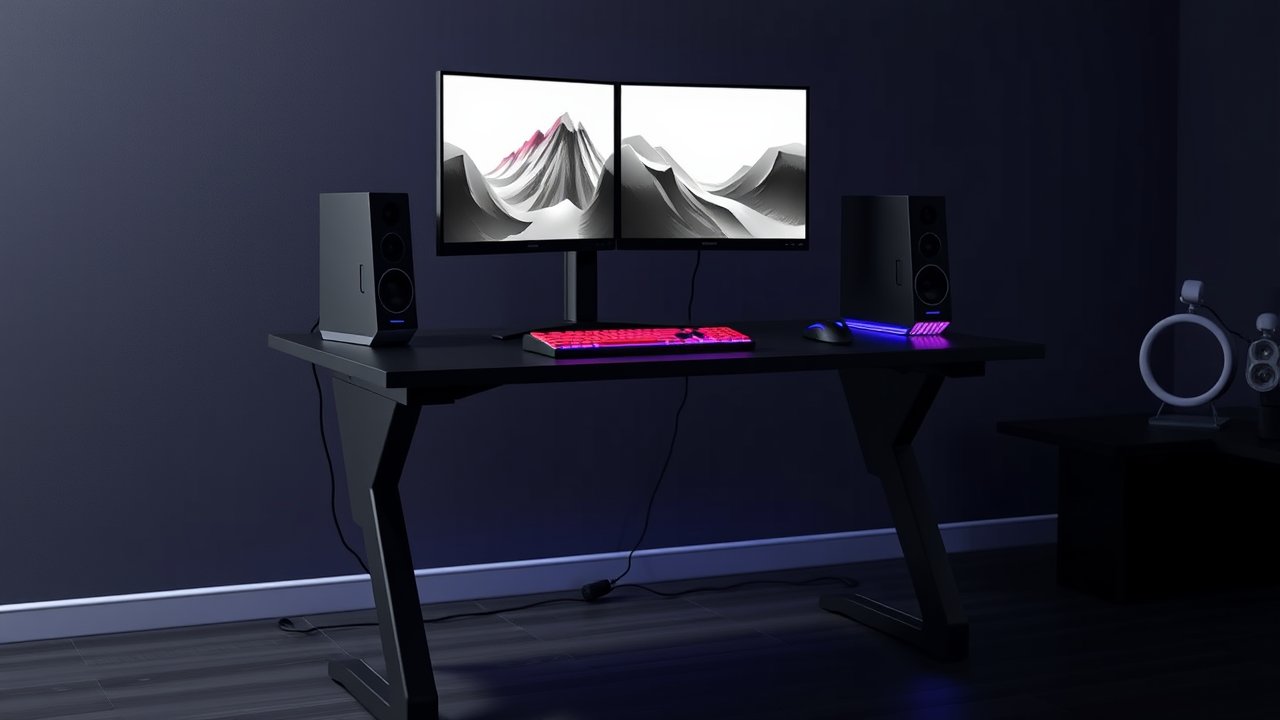
Gaming sessions can stretch for hours, and sitting that long isn’t great for your back, legs, or energy levels. A height-adjustable desk lets you switch between sitting and standing – standing during a long queue, a casual round, or a stream, and sitting back down for competitive play. But gaming setups are heavier and more demanding than typical office setups: big monitors, heavy towers, speakers, and RGB accessories all need a stable surface that doesn’t wobble when you slam a key. The best standing desk for gaming combines a sturdy dual-motor frame, a large surface, smart cable management, and a look that fits your battlestation. This guide compares six options, from premium gaming-branded desks to budget models with built-in RGB.
As an Amazon Associate, I earn from qualifying purchases. This article contains affiliate links at no extra cost to you.
Quick Comparison Table
| Product | Price | Best For | Rating |
|---|---|---|---|
| Secretlab MAGNUS Pro | ~$800+ | Best overall gaming desk | ⭐⭐⭐⭐⭐ |
| FlexiSpot E7 Pro | ~$500–$600 | Best value | ⭐⭐⭐⭐⭐ |
| Eureka Ergonomic Standing Gaming Desk | ~$400–$600 | Best gaming features | ⭐⭐⭐⭐ |
| Fezibo RGB Standing Desk | ~$200 | Best budget | ⭐⭐⭐⭐ |
| Uplift V2 (72″) | ~$700+ | Best for big setups | ⭐⭐⭐⭐⭐ |
| L-Shaped Standing Gaming Desk | ~$350–$500 | Best for multi-monitor corners | ⭐⭐⭐⭐ |
Prices are approximate at the time of writing and may vary. Check Amazon for the current price.
Our Top Picks at a Glance
The Secretlab MAGNUS Pro is the best standing desk for gaming if you want a fully integrated battlestation with magnetic accessories and hidden cable management. The FlexiSpot E7 Pro delivers outstanding stability for less money. On a budget, the Fezibo RGB Standing Desk brings electric height adjustment and built-in lighting for around $200.
Reviews – The Best Standing Desk for Gaming
1. Secretlab MAGNUS Pro – Best Overall Gaming Desk
Secretlab built the MAGNUS Pro specifically for gamers, and it shows. The steel desktop is magnetic, so you can attach cable anchors, headphone hooks, and other accessories anywhere without screws. A large integrated cable tray at the back hides power strips and cables, and the cable management system routes everything neatly through the leg.
It’s an electric standing desk with memory presets, a smooth dual-motor system, and a sturdy steel frame. Optional magnetic desk mats, RGB lighting strips, and monitor arms complete the ecosystem. It’s expensive, but no other desk on this list delivers such a clean, integrated battlestation.
Pros:
– Magnetic steel desktop for accessories
– Exceptional built-in cable management
– Sturdy dual-motor frame
– Huge accessory ecosystem
Cons:
– Expensive, especially with accessories
– Heavy and time-consuming to assemble
– Steel surface needs a desk mat
2. FlexiSpot E7 Pro – Best Value
The E7 Pro is a favorite among both office workers and gamers because it’s one of the most stable standing desks in its price range. Its C-frame design puts the legs toward the back, giving you more legroom – useful if you lean back in a gaming chair or use a footrest.
Dual motors handle heavy setups easily, and the keypad includes presets and collision detection. Pair it with a large top, and you’ve got a stable gaming desk for significantly less than branded gaming desks. Our FlexiSpot E7 review covers the platform in depth.
Pros:
– Excellent stability for the price
– More legroom thanks to C-frame
– Strong dual motors
– Multiple top sizes
Cons:
– No gaming-specific accessories
– Plain design
– Heavy assembly
3. Eureka Ergonomic Standing Gaming Desk – Best Gaming Features
Eureka Ergonomic designs many of its desks with gamers in mind. Its electric standing gaming desks often include carbon-fiber-style surfaces, RGB lighting, headphone hooks, cup holders, and integrated cable management. Some models also include a full-surface mouse pad.
It’s a great choice if you want gaming features built in without buying separate accessories. Stability is good, especially on dual-motor versions.
Pros:
– Gaming features included
– Built-in RGB on many models
– Headphone hook and cup holder
– Stylish designs
Cons:
– Gaming aesthetic isn’t for everyone
– Quality varies by model
– Limited top size options
4. Fezibo RGB Standing Desk – Best Budget
Fezibo’s RGB standing desk is a popular budget pick. For around $200, you get electric height adjustment, presets, and built-in RGB lighting along the edge. Some versions include a monitor shelf or hooks.
It’s single-motor on many versions, so it’s best for lighter setups – one or two monitors and a laptop or small PC. For heavier battlestations, choose a dual-motor desk.
Pros:
– Very affordable
– Built-in RGB lighting
– Electric adjustment with presets
– Easy assembly
Cons:
– Single motor on many versions
– More wobble at full height
– Basic tabletop finish
5. Uplift V2 (72″) – Best for Big Setups
If your battlestation includes multiple large monitors, a heavy tower, and a full audio setup, the Uplift V2 with a 72-inch top provides the space and stability you need. It’s highly customizable, with a wide range of tops, frame colors, and accessories.
It’s a premium desk without gaming branding, which is ideal if you want a cleaner look. See our Uplift V2 review for more details.
Pros:
– Large tops up to 80″
– Excellent stability
– Highly customizable
– Long warranty
Cons:
– Expensive with upgrades
– Heavy and complex assembly
– No gaming-specific features
6. L-Shaped Standing Gaming Desk – Best for Multi-Monitor Corners
L-shaped standing desks give you two work surfaces – one for your gaming rig and one for streaming gear, work, or a second PC. They’re perfect for corner setups and multi-monitor arrangements.
Look for triple-motor designs for even lifting. For more options, see our list of best L-shaped gaming desks.
Pros:
– Large surface area
– Great for multi-monitor and streaming setups
– Corner-friendly
Cons:
– Requires a lot of space
– Heavier assembly
– More expensive than straight desks
Gaming Desk vs. Standing Desk: Do You Need Both?
Traditional fixed gaming desks are cheaper and often include features like monitor shelves, cup holders, and full-surface mouse pads. A standing desk adds height adjustment, which lets you change positions and fine-tune ergonomics for both sitting and standing. If your budget is tight, a fixed gaming desk plus a good chair is perfectly fine. But if you spend many hours at your setup for both work and play, a standing desk is the more versatile long-term investment.
How We Researched & Selected These Products
These picks are based on research and user reviews. We compared each desk’s frame design, motor configuration, weight capacity, height range, surface size, cable management, and warranty. We analyzed thousands of verified reviews and long-term reports from r/battlestations and r/StandingDesk, focusing on wobble during intense gaming, motor reliability under heavy loads, and build quality. We also considered gaming-specific features like accessory systems and RGB.
Buyer’s Guide – Choosing the Best Standing Desk for Gaming
Stability
Gaming involves fast, forceful movements. Choose a desk with three-stage legs, a sturdy crossbar or C-frame, and a thick top. Dual motors usually come with sturdier frames.
Surface Size
A gaming setup with two 27-inch monitors needs at least 60 inches of width. For low-sensitivity FPS players who need large mouse movements, a deeper desk (30 inches) helps.
Weight Capacity
Large monitors, a tower PC, and speakers can easily exceed 100 pounds. Choose a desk rated well above your setup’s weight.
Cable Management
Standing desks move, so cables need slack. Use a cable tray and a spine running to the floor. Mount your PC under the desk with a CPU holder so it moves with the desk. See our guide to gaming desks with built-in cable management.
Height Range
Make sure the desk goes low enough for your sitting height in a gaming chair and high enough for standing. Tall gamers should check the max height carefully.
Price vs. Quality – What to Expect at Each Budget
- Under $250: Single-motor desks; fine for light setups.
- $250–$600: Dual motors, better stability, larger tops.
- $600+: Premium frames, integrated accessories, long warranties.
How to Build a Clean Standing Gaming Setup
A standing gaming desk works best when everything moves with it. Here’s a simple build order that avoids the most common headaches:
- Assemble the frame and top first, then test the full height range before adding equipment.
- Mount the PC under the desk with a CPU holder, or keep it on the desk if the weight allows. A tower on the floor means cables stretch every time the desk rises.
- Install the cable tray at the back of the desk and mount a power strip inside it. Plug everything into that strip so only one power cable runs to the wall.
- Add a cable spine from the tray to the floor for the main power cable and any network cable.
- Mount your monitors on arms or stands, then route display cables along the arm channels into the tray.
- Leave slack. Raise the desk to its maximum height and make sure no cable is tight.
- Add lighting last. LED strips under the desk edge or behind monitors look great and won’t interfere with movement. Our RGB desk setup guide covers placement and products.
Once everything is in place, run the desk up and down a few times and watch for snagged cables. Then save your sitting and standing presets.
Standing While Gaming: Tips for Comfort
Standing for long gaming sessions isn’t always comfortable. Switch positions every 30 to 60 minutes. Use an anti-fatigue mat – see our list of the best standing desk mats – and wear supportive shoes. Keep your monitor at eye level and your keyboard at elbow height in both positions. For competitive gaming, many players prefer sitting; standing works great for casual play, MMOs, streaming, and between matches.
Want to round out your setup? Check out our guide to the best gaming desk accessories and our gaming desk setup guide.
Frequently Asked Questions
Are standing desks good for gaming?
Yes. They let you alternate between sitting and standing during long sessions, which can help reduce stiffness and fatigue. Just make sure the desk is stable enough for your setup.
Will my monitors shake on a standing desk while gaming?
Some wobble is normal at standing height. Choose a desk with a strong frame and avoid leaning on it. Monitor arms can amplify wobble, so pick a sturdy arm and desk.
Should I get a single or dual-motor standing desk for gaming?
Dual-motor desks are faster, quieter, and handle heavier loads better. If your setup includes multiple monitors and a tower PC, choose dual motors.
Can I put my gaming PC on a standing desk?
Yes, as long as the desk’s weight capacity allows. Alternatively, mount it under the desk with a CPU holder so cables don’t stretch.
Is a standing desk worth it for console gaming?
If you play mostly with a controller on a couch, a standing desk won’t change much. But if you play console games on a monitor at a desk, or stream console gameplay, a standing desk is just as useful – you can stand during cutscenes, menus, or casual sessions and sit for focused play.
How long should I stand while gaming?
There’s no perfect number. Many people alternate every 30 to 60 minutes. Listen to your body: if your feet or lower back start to ache, sit down. The goal is regular movement, not standing for hours.
What height should my gaming desk be?
Your keyboard should be at elbow height with your arms at about 90 degrees. Use our desk height chart for sitting and standing heights.
Final Verdict
The Secretlab MAGNUS Pro is the best standing desk for gaming if you want a fully integrated battlestation with magnetic accessories and top-tier cable management. The FlexiSpot E7 Pro offers the best value and excellent stability, while the Fezibo RGB Standing Desk is a budget-friendly way to start. Choose a desk with enough surface, stability, and weight capacity for your setup, and you’ll have a battlestation that adapts to every gaming session.