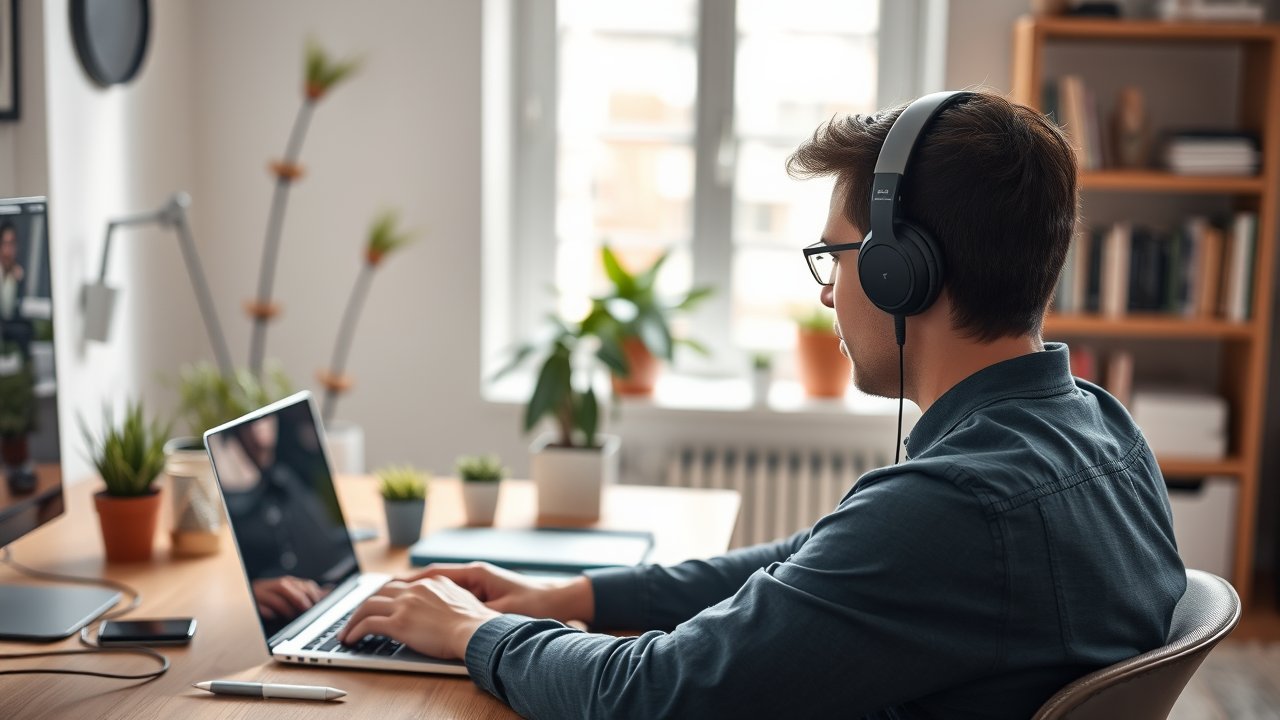
Working from home comes with a soundtrack nobody asked for: leaf blowers, barking dogs, a partner’s conference call, kids home from school, or the neighbor’s renovation. The right pair of noise cancelling headphones for working from home turns all of that into quiet background hum so you can actually focus. But WFH headphones have a different job than headphones for travel or music. They need a microphone that makes you sound clear on Zoom and Teams, comfort for six or more hours of wear, multipoint Bluetooth to switch between laptop and phone, and battery life that lasts the whole week. In this guide, we compare six headphones that excel at those exact tasks – from premium flagships to budget picks under $100.
As an Amazon Associate, I earn from qualifying purchases. This article contains affiliate links at no extra cost to you.
Quick Comparison Table
| Product | Price | Best For | Rating |
|---|---|---|---|
| Sony WH-1000XM6 | ~$450 | Best overall | ⭐⭐⭐⭐⭐ |
| Bose QuietComfort Ultra | ~$430 | Best comfort | ⭐⭐⭐⭐⭐ |
| Jabra Evolve2 85 | ~$400+ | Best for calls | ⭐⭐⭐⭐⭐ |
| Apple AirPods Max | ~$550 | Best for Apple users | ⭐⭐⭐⭐ |
| Soundcore Space One | ~$100 | Best budget | ⭐⭐⭐⭐ |
| Sony WH-CH720N | ~$100–$150 | Best lightweight | ⭐⭐⭐⭐ |
Prices are approximate at the time of writing and may vary. Check Amazon for the current price.
Our Top Picks at a Glance
The Sony WH-1000XM6 is our top pick thanks to class-leading noise cancellation, a strong multi-mic call system, and long battery life. The Bose QuietComfort Ultra is the most comfortable for all-day wear, while the Jabra Evolve2 85 is purpose-built for people who spend hours in meetings. On a budget, the Soundcore Space One delivers surprisingly good noise cancelling for around $100.
Reviews – The Best Noise Cancelling Headphones for Working From Home
1. Sony WH-1000XM6 – Best Overall
Sony’s 1000X series has been at or near the top of noise cancelling rankings for years, and the XM6 continues that run. Noise cancellation is excellent across low rumbles (traffic, HVAC, washing machines) and the mid-range chatter that’s hardest to block. For a home office, that means a TV in the next room or a nearby conversation fades dramatically.
The microphone system uses multiple mics and processing to isolate your voice, which reviewers note sounds clear even with background noise. Multipoint Bluetooth lets you stay connected to your laptop and phone at the same time – take a phone call without disconnecting from your computer. Battery life is long enough to last most people a full work week between charges, and quick charging gives you hours of playback from a few minutes plugged in.
Sony’s app lets you customize EQ, adaptive sound control, and “speak-to-chat,” which pauses audio automatically when you start talking – handy when someone walks into your office.
Pros:
– Top-tier noise cancellation
– Clear call quality with multi-mic system
– Multipoint Bluetooth
– Long battery life with fast charging
Cons:
– Expensive
– Some users find the clamping force firm at first
– Touch controls take getting used to
2. Bose QuietComfort Ultra – Best Comfort
Bose has always prioritized comfort, and the QuietComfort Ultra is one of the most comfortable over-ear headphones you can wear for a full workday. Plush ear cushions, a well-balanced weight, and gentle clamping force make it easy to forget you’re wearing them – which matters when you’re on calls from 9 to 5.
Noise cancellation is excellent and rivals Sony’s, with “Quiet Mode” and “Aware Mode” letting you switch between full isolation and hearing your surroundings. Bose’s Immersive Audio is a fun extra for music, though it uses more battery. Call quality is good, and multipoint connectivity is supported.
Pros:
– Exceptionally comfortable for long sessions
– Excellent noise cancellation
– Easy-to-use physical controls
– Premium build
Cons:
– Battery life slightly shorter than Sony
– Immersive Audio drains battery faster
– Expensive
3. Jabra Evolve2 85 – Best for Calls
If your job is mostly meetings, consider a headset designed for the office rather than a consumer headphone. The Jabra Evolve2 85 is a professional headset with a fold-down boom microphone, which captures your voice far more clearly than any built-in headphone mic. It’s certified for Microsoft Teams and works with Zoom and other platforms.
Active noise cancellation is strong, and a busy light on the earcups glows red when you’re on a call – a clear “do not disturb” signal for family members. The included USB dongle provides a reliable connection to your computer, while Bluetooth handles your phone. It’s not the best for music, but for meeting-heavy roles, nothing on this list beats it.
Pros:
– Boom mic for the clearest call quality
– Busy light signals when you’re on a call
– Teams and Zoom compatibility
– Strong noise cancellation
Cons:
– Office look isn’t great for outdoor use
– Expensive
– Music sound quality behind Sony and Bose
4. Apple AirPods Max – Best for Apple Users
If you work on a Mac and use an iPhone, AirPods Max integrate seamlessly. They switch automatically between Apple devices, support spatial audio, and pair instantly. Noise cancellation is strong and transparency mode is among the most natural-sounding available.
The aluminum and mesh design is premium but heavier than competitors, which some users notice after several hours. They’re also pricey. But for Apple-centric home offices, the convenience of automatic switching is hard to beat.
Pros:
– Seamless Apple device switching
– Excellent transparency mode
– Premium materials
– Strong noise cancellation
Cons:
– Heavy for all-day wear
– Very expensive
– Fewer benefits on Windows or Android
5. Soundcore Space One – Best Budget Option
Anker’s Soundcore brand has made noise cancelling affordable, and the Space One is one of its best efforts. For around $100, you get adaptive noise cancellation that handles low-frequency sounds like fans and traffic surprisingly well, a comfortable lightweight build, multipoint Bluetooth, and very long battery life.
It won’t match Sony or Bose on voices and mid-range noise, and the microphone is decent rather than great. But for focus work and music, it’s one of the best values available.
Pros:
– Excellent value
– Very long battery life
– Lightweight and comfortable
– Multipoint Bluetooth
Cons:
– Mid-range noise cancellation weaker than flagships
– Mic quality average
– Plastic build
6. Sony WH-CH720N – Best Lightweight
The WH-CH720N is one of Sony’s lightest noise cancelling headphones, which makes it great for long wear. It uses Sony’s noise cancelling technology in a simpler, more affordable package. You get multipoint connectivity, solid battery life, and comfortable earcups.
It’s not as quiet as the XM6, but it’s a meaningful step up from no ANC at all and costs a fraction of the price.
Pros:
– Very lightweight
– Sony ANC at a lower price
– Multipoint Bluetooth
– Good battery life
Cons:
– Noise cancellation weaker than flagship models
– Plastic build feels less premium
– Basic microphone
How We Researched & Selected These Products
These picks are based on research and user reviews rather than our own lab measurements. We compared manufacturer specifications for noise cancellation, microphone arrays, multipoint support, battery life, and weight. We then reviewed independent measurements and tests from audio and tech publications, and analyzed thousands of verified owner reviews focused on comfort during long wear and call quality in noisy homes. We weighted features that matter specifically for remote work – mic clarity, multipoint, comfort, and battery – more heavily than pure music performance.
Buyer’s Guide – Choosing Noise Cancelling Headphones for Working From Home
Noise Cancellation Strength
All ANC headphones handle low, constant sounds – fans, traffic, air conditioning – well. The difference shows up with irregular, mid-range noise like voices and barking. Flagship models from Sony and Bose handle these best.
Microphone Quality
Built-in mics on consumer headphones vary a lot. If you spend more than a couple of hours per day on calls, a headset with a boom mic, like the Jabra Evolve2 85, makes you sound noticeably clearer. Alternatively, pair your headphones with a dedicated desk mic – see our picks for the best microphones for working from home.
Comfort and Weight
For all-day wear, weight and clamping force matter more than looks. Lighter headphones with soft cushions are easier to wear for six-plus hours. Glasses wearers should look for softer earpads.
Multipoint Bluetooth
Multipoint lets you connect to two devices at once. It’s essential for remote workers who switch between laptop calls and phone calls throughout the day.
Battery Life
Look for at least 25 to 30 hours with ANC on. That lets you work several days without charging. Fast charging is a helpful bonus.
Wired Option
A wired connection via 3.5mm or USB-C audio can be useful as a backup if your battery runs out mid-meeting.
Price vs. Quality – What to Expect at Each Budget
- Under $150: Good ANC for steady noise, decent comfort, basic mics.
- $150–$300: Better ANC, improved mics, premium materials.
- $300+: Best-in-class noise cancellation, mic systems, and comfort.
Headphones vs. Earbuds for Remote Work
Over-ear headphones generally offer better noise cancellation, longer battery life, and more comfort for long sessions. Earbuds are lighter and less noticeable on video calls but can cause ear fatigue after a few hours. Many remote workers use both: headphones for focus blocks and earbuds for quick calls or walking meetings on a walking pad.
Creating a Quieter Home Office
Headphones are only one part of the solution. Rugs, curtains, and bookshelves absorb sound and reduce echo, which also improves how you sound on calls. A good webcam and lighting setup makes video meetings feel more professional – see our guide to the best webcams for home office. And a headphone stand keeps your expensive headphones safe and your desk tidy.
Protect your hearing, too. The CDC’s guidance on noise and hearing loss recommends keeping volume moderate. Noise cancelling actually helps here, since you don’t need to turn up the volume to drown out background noise.
Frequently Asked Questions
Are noise cancelling headphones worth it for working from home?
Yes, if your home has regular background noise. They help you focus, reduce fatigue from constant noise, and can improve call quality. Many people say they’re one of the best WFH purchases they’ve made.
Can people hear background noise when I’m on a call with ANC headphones?
Active noise cancellation affects what you hear, not what your microphone picks up. However, many headphones also use mic processing to reduce background noise for the other side of the call. A boom mic headset is the most effective for this.
Is it bad to wear noise cancelling headphones all day?
It’s generally safe at moderate volume. Take breaks to let your ears rest and avoid high volumes. Some people feel slight pressure from ANC – most adjust within a few days, or you can lower the ANC level.
Do noise cancelling headphones block voices?
They reduce voices significantly but rarely eliminate them completely. Flagship models are best at reducing mid-range sounds like voices. Adding music or white noise helps further.
Can I use noise cancelling headphones without playing music?
Yes. Many remote workers turn on ANC with no audio at all, simply to reduce background noise while they focus. It works best on steady sounds like fans and traffic.
Which headphones work best with Microsoft Teams and Zoom?
Any Bluetooth headphones work with both platforms, but certified headsets like the Jabra Evolve2 85 offer features like a mute button that syncs with the app and a busy light.
Final Verdict
The Sony WH-1000XM6 is the best overall choice among noise cancelling headphones for working from home, combining excellent ANC, clear calls, and long battery life. If comfort is your top priority, choose the Bose QuietComfort Ultra. Meeting-heavy professionals will get the most from the Jabra Evolve2 85 and its boom mic, while budget shoppers can’t go wrong with the Soundcore Space One. Pick the pair that matches your workday, and you’ll finally have the quiet you need to do your best work.