
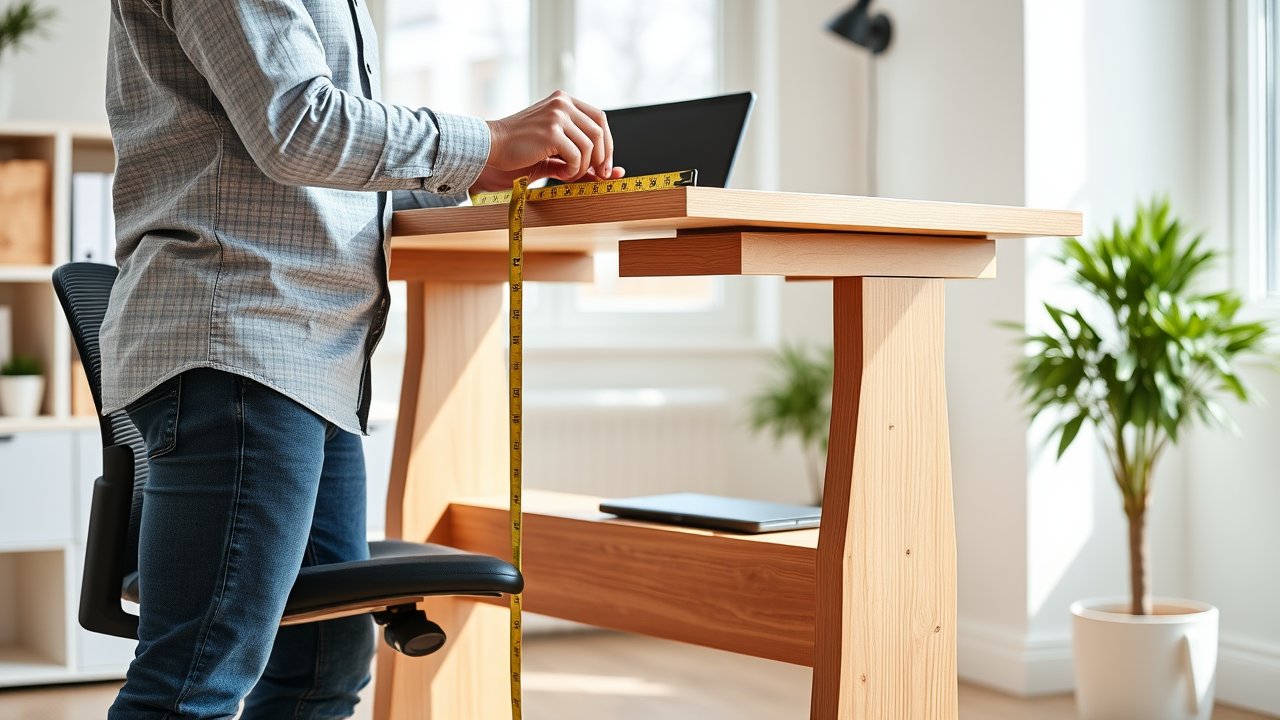
Most desks are built at a standard 28 to 30 inches tall – but people aren’t standard. If you’re 5’2″ or 6’4″, a typical desk forces you to hunch, shrug, or reach, and those small strains add up over an eight-hour day. Finding the correct desk height is one of the simplest ergonomic fixes you can make, and it costs nothing to measure. This guide gives you a quick desk height chart for sitting and standing based on your body height, then walks you through a five-step method to fine-tune the numbers for your own body. You’ll also learn how to fix a desk that’s too high or too low without buying new furniture.
As an Amazon Associate, I earn from qualifying purchases. This article contains affiliate links at no extra cost to you.
What You Need Before You Start
- A tape measure
- Your usual office chair (adjusted to fit you)
- The shoes you normally wear while working
- A helper, or a phone to photograph your posture from the side
- 10 to 15 minutes
Desk Height Chart: Sitting and Standing
Use this chart as a starting point. The values show the approximate height of the desk surface where your keyboard sits, measured from the floor. Your ideal number depends on your arm and leg proportions, so use the steps below to fine-tune.
| Your Height | Sitting Desk Height | Standing Desk Height |
|---|---|---|
| 5’0″ (152 cm) | ~22.5″ (57 cm) | ~37″ (94 cm) |
| 5’2″ (157 cm) | ~23.5″ (60 cm) | ~38″ (97 cm) |
| 5’4″ (163 cm) | ~24.5″ (62 cm) | ~39.5″ (100 cm) |
| 5’6″ (168 cm) | ~25.5″ (65 cm) | ~40.5″ (103 cm) |
| 5’8″ (173 cm) | ~26.5″ (67 cm) | ~42″ (107 cm) |
| 5’10” (178 cm) | ~27.5″ (70 cm) | ~43″ (109 cm) |
| 6’0″ (183 cm) | ~28.5″ (72 cm) | ~44″ (112 cm) |
| 6’2″ (188 cm) | ~29.5″ (75 cm) | ~45.5″ (116 cm) |
| 6’4″ (193 cm) | ~30.5″ (77 cm) | ~47″ (119 cm) |
| 6’6″ (198 cm) | ~31.5″ (80 cm) | ~48″ (122 cm) |
These are approximate values based on average body proportions. Your measurements may differ by an inch or more.
Notice something? The standard 29-inch desk is only “correct” for people roughly 6’0″ tall. Anyone shorter sits too low relative to their desk – which is most people.
Step 1: Adjust Your Chair First
Your desk height depends on your chair, so start there. Sit all the way back in your chair and adjust the seat height until your feet rest flat on the floor and your thighs are roughly parallel to the ground, with your knees at about 90 degrees. Adjust the lumbar support so it fits the curve of your lower back, and set seat depth so you can fit two to three fingers between the front edge of the seat and the back of your knees.
If you’re not sure how to do this, follow our step-by-step guide on how to adjust your office chair. Getting your chair right first prevents the most common mistake: raising the chair to fit a tall desk and leaving your feet dangling.
Step 2: Measure Your Seated Elbow Height
Sit upright with your shoulders relaxed and let your upper arms hang naturally at your sides. Bend your elbows to 90 degrees so your forearms are parallel to the floor. Now measure from the floor to the underside of your forearm, just below the elbow.
That number is your ideal keyboard height. For most setups, where the keyboard rests directly on the desk, your desk surface should be at this height or up to an inch lower. If you use a thick keyboard, subtract its height from the measurement.
This is the single most important measurement for typing comfort. A desk that’s too high makes you shrug your shoulders; a desk that’s too low makes you hunch forward.
Step 3: Measure Your Standing Elbow Height
For a standing desk, repeat the process standing up. Wear the shoes you normally work in, stand tall with your shoulders relaxed, and bend your elbows to 90 degrees. Measure from the floor to the underside of your forearm.
Your standing desk surface should be at or slightly below this height. Many people find a tiny bit lower – with elbows opened to 95 or 100 degrees – feels more relaxed during long standing sessions. If you stand on an anti-fatigue mat, measure while standing on it, since it adds height. Our list of the best standing desk mats includes mats from about half an inch to one inch thick.
Step 4: Check Monitor Height
Desk height is only half the equation. Your monitor should be about an arm’s length away, with the top of the screen at or slightly below eye level. If you raise or lower your desk to fit your elbows, your monitor moves too – so you’ll often need a riser or monitor arm to put it in the right spot.
Sit (or stand) and look straight ahead. Your eyes should land on the top third of the screen. If you need to look up, the monitor is too high; if you tilt your head down, it’s too low. A monitor arm makes it easy to set the screen height independently of the desk.
Step 5: Test, Adjust, and Save Your Presets
Work at your new heights for a full day. Pay attention to your shoulders, neck, and wrists. If your shoulders creep up toward your ears, lower the desk by half an inch. If you lean forward on your forearms, raise it slightly.
If you have an electric standing desk, save your sitting and standing heights as presets. It’s a small step, but it removes the friction of finding the right height every time – which makes you more likely to actually switch positions. For more tips, read our guide on how to set up a standing desk correctly.
How to Fix a Desk That’s Too High or Too Low
If Your Desk Is Too High
This is the most common problem for people under about 5’10”. You have three options:
- Raise your chair and add a footrest. Raise the seat until your elbows are level with the desk, then use a footrest to support your feet. This is the cheapest fix. See our picks for the best footrests for home office.
- Add a keyboard tray. An under-desk keyboard tray lowers your keyboard and mouse to the right height while the monitor stays on the desk.
- Switch to an adjustable desk. Height-adjustable desks often go as low as 22 to 25 inches, which suits shorter users. See our list of the best standing desks for short people.
If Your Desk Is Too Low
Taller people often hunch over standard desks. Fixes include desk risers or bed risers under the legs, a desktop converter, or a height-adjustable desk with a high maximum height.
Special Cases: Laptops, Shared Desks, and Gaming
Working on a Laptop
Laptops create a built-in conflict: when the keyboard is at the correct desk height, the screen is far too low, and when the screen is at eye level, the keyboard is too high. The fix is to separate the two. Put the laptop on a stand to raise the screen to eye level, then use an external keyboard and mouse at elbow height. Our picks for the best laptop stands make this easy, and many fold flat for travel.
Sharing a Desk With a Partner
If two people of different heights share one desk, a fixed desk will always be wrong for at least one of you. An electric standing desk with memory presets is the best solution: each person saves their own sitting and standing heights. If that’s not in the budget, set the desk for the taller person and give the shorter person a footrest and a chair raised to the correct height. For more ideas, see our guide to the best home office setup for two people.
Gaming and Creative Work
Gamers who play with a controller or lean back in a reclined chair often prefer a slightly lower desk, while drawing on a tablet may feel better a little higher. The elbow-height rule still works as a baseline – just adjust an inch either way depending on the task, and note which height feels best for each activity.
Kids and Teens
Children grow fast, so a fixed desk that fits today will be too low within a year or two. Adjustable kids’ desks, or a standard desk with an adjustable chair and footrest, are the most practical options. Re-measure elbow height every few months.
Recommended Products for the Correct Desk Height
- Electric Standing Desk (dual motor) – The most flexible solution, with presets for sitting and standing heights.
- Adjustable Footrest – Supports your feet when you raise your chair to match a tall desk.
- Under-Desk Keyboard Tray – Brings your keyboard to elbow height without replacing your desk.
- Adjustable Monitor Arm – Positions your screen at eye level after you change desk height.
- Desk Leg Risers – A cheap fix for tall users with a fixed-height desk.
Prices are approximate at the time of writing and may vary. Check Amazon for the current price.
Why Desk Height Matters So Much
It’s easy to dismiss an inch or two as trivial, but your body notices. When your desk is too high, your shoulders lift slightly to bring your hands to the keyboard. That keeps the upper trapezius muscles contracted all day, which is a common source of neck and shoulder tension. Your wrists also tend to bend upward, which many people find leads to forearm fatigue.
When your desk is too low, the opposite happens. You lean forward, round your upper back, and push your head ahead of your shoulders. Every inch your head moves forward increases the load your neck muscles have to hold. Over a 40-hour week, that adds up to a lot of strain.
Correct desk height won’t fix everything – regular movement, breaks, and a supportive chair matter just as much – but it removes one of the most constant sources of strain in your workday. If you already experience discomfort, our guide on how to reduce back pain when working from home covers additional fixes.
Common Mistakes to Avoid
- Measuring without your chair adjusted. Always adjust the chair first, then the desk.
- Raising the chair and letting your feet dangle. Use a footrest if your feet don’t reach the floor.
- Setting the standing height too high. Your elbows should be at 90 degrees or slightly more open – not reaching up.
- Forgetting the anti-fatigue mat. A thick mat adds an inch; measure while standing on it.
- Ignoring monitor height. Correct desk height with a monitor that’s too low still causes neck strain.
FAQ
What is the standard desk height?
Most desks in the US are 28 to 30 inches tall. That fits people around 5’10” to 6’1″ reasonably well, but it’s too high for most shorter people and slightly low for very tall users.
What height should a standing desk be?
Roughly at your standing elbow height with your arms bent at 90 degrees. For most adults, that falls between 37 and 48 inches. Use the chart above as a starting point, then fine-tune.
Should my elbows be above or below the desk?
Your elbows should be level with the desk surface or slightly above it. If they’re below the desk, you’ll shrug your shoulders to type. If they’re far above, you’ll hunch forward.
How do I know if my desk is too high?
Common signs include shoulder tension, shrugging while typing, wrist extension (bending your hands upward), and feeling like you need to reach up to your keyboard.
Is desk height different for gaming and work?
Not really. The same ergonomic principles apply. Gamers who lean back while playing may prefer the keyboard slightly lower, but elbow height is still the best guide.
Final Thoughts
The correct desk height is the one that lets your elbows rest at about 90 degrees with relaxed shoulders, your feet flat, and your monitor at eye level. Use our chart as a starting point, measure your own elbow height, and adjust from there. Small changes of even an inch can make a big difference in comfort over a full workday. For more ergonomic guidance, the OSHA computer workstation guide is an excellent free resource.